Week 02 - Character Designs
Feedback on Wireframe
Last week, I presented my Figma prototype to my 5 individuals, M, R, A, and J. Their feedback is as follows.
From M
Expressed that she already has a search engine, hence she would not be using for MiniKin for answering questions, and prefer to have him as a companion.
Said that she would like MiniKin to have a outgoing / caring persona. “It asks you, rather than you ask it”, she said, referring to MiniKin as more likely to ask users doing more than the users telling MiniKin what they are doing.
Would like MiniKin to remind her to drink water every now and then, or the weather personified.
She also plays games that has a virtual pet feature embedded in it, she said having a rewards system would be good.
Mentioned that cuteness should be the core of MiniKin.
From R & A
Would like the option of MiniKin being fully customizable (e.g fully replacing its appearance with the user’s own image files).
Also like MiniKin to have more expressions.
Having MiniKin greet you (e.g Good Morning!) when you open the app would be nice too.
Similar to M, they would like MiniKin to have a time-based approach in checking in how the user is feeling throughout the day, akin to a wellness check.
From J
Played the Nintendo DS game ‘Nintendogs’, liked the ability to feed his dogs, as well as how they reacted when he patted them.
Would like a dark mode of the speech bubble.
Suggested adding a social aspect, where nearby users’ MiniKins can visit other MiniKins nearby. “When the other MiniKin shows up, it would be cute to it put its arm around the other MiniKin’s shoulder, like buddies!”, he said.
Suggested to have the chat box be emotive too (e.g when MiniKin says congratulations, the speech bubble emits poppers and confetti, much like the text bubbles that the iPhone has).
Compiling it all together
Based on the above feedback, all 4 testers liked MiniKin as a companion more so than using it as a chatbot. 75% of them especially would like MiniKin to check in on their wellbeing.
Finalizing Choice of Characters
In 10 days, the survey has garnered a total of 55 responders. With the results as follows:
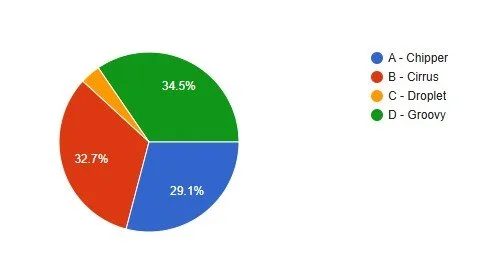
The Blue category was the most volatile. Groovy was initially in the lead, but Cirrus overtook it, and remained neck-to-neck with Chipper.
Surprisingly, Groovy pushed through at the leg of the race and emerged as the winner with 19 votes!
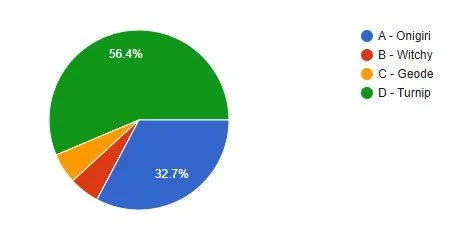
Onigiri was originally in the lead when the race started out.
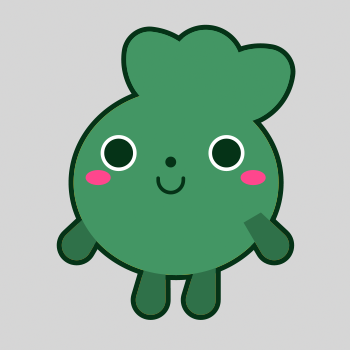
Eventually Turnip overtook it at the midway point and emerged as the winner at 31 votes!
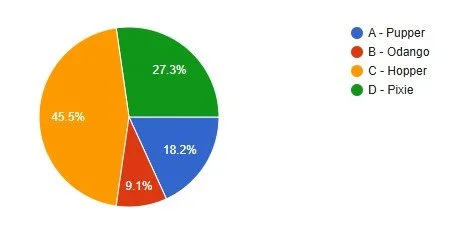
The Yellow category saw the least competition.
Hopper remained undefeated throughout the course of the survey and won with a total of 25 votes!
Aside from helping me decide which 3 designs to move forward with. The survey results provided a very interest key insight. Turnip and Hopper, which are clear winners of the race. Both are derived from familiar shapes: A turnip and rabbit.
In Lin et al.’s Beyond Cute: Exploring User Types and Design Opportunities of Virtual Reality Pet Games, Petz and Nintendogs are the top 2 most played virtual pet games based on the responses of 780 adults. Both games feature digital versions of real life animals. This is followed by Pokemon Go and Tamagotchi respectively, which are games that feature pets that are figments of imagination.
This has led me to infer that, based on the survey results, users would tend to gravitate raising a digitized version of what they are familiar with in the real world.
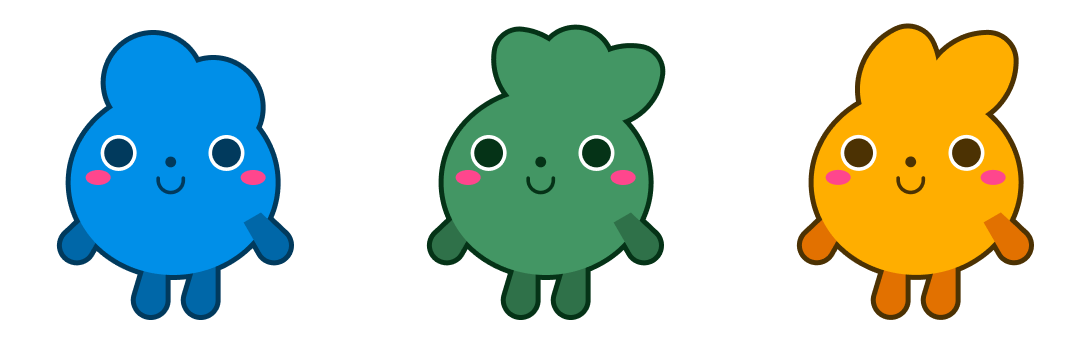
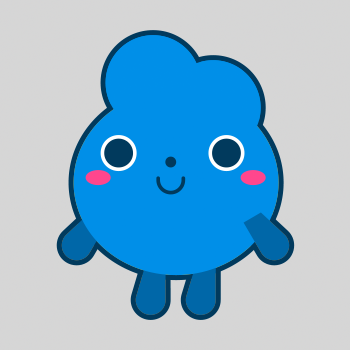
Meet our winners! From left: Groovy, Turnip and Hopper.
Sketching out States
Taking feedback from M, R, A and J into consideration. I have compiled a list of states that MiniKin would take on based on its abilities.
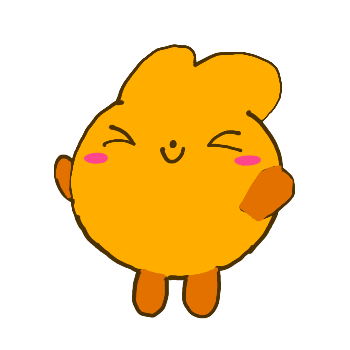
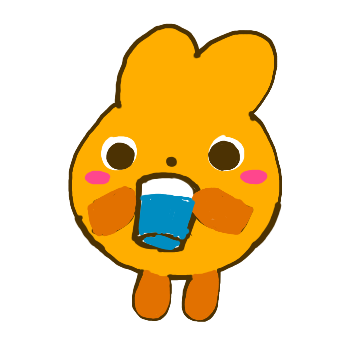
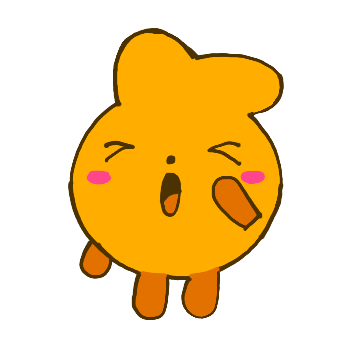
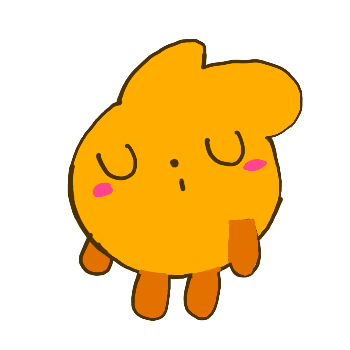
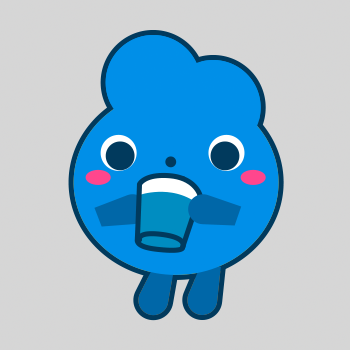
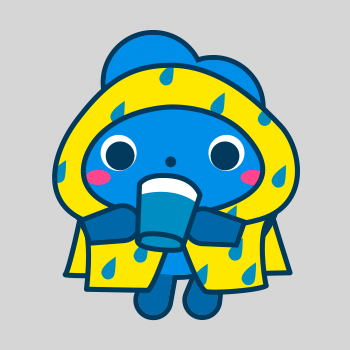
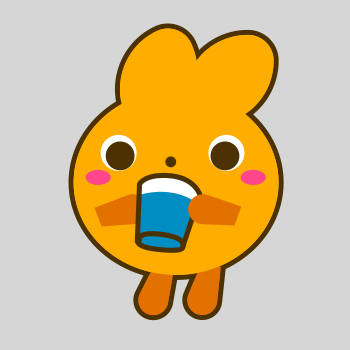
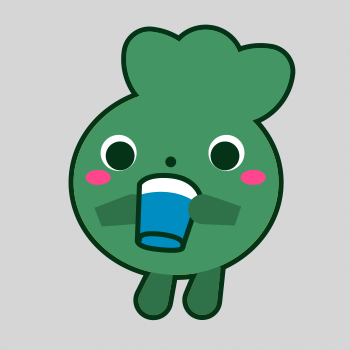
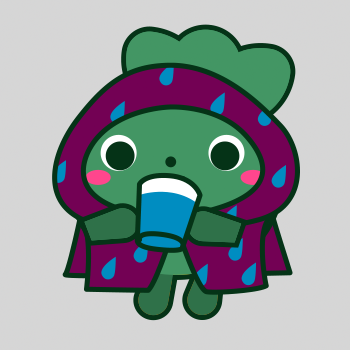
MiniKin will remind the user to stretch, take sips of water, and to rest at timed intervals. Unlike other apps, MiniKin does not verbally remind the user. Instead, MiniKin is the reminder. In showing the user that it is performing those actions, it is encouraging the user to follow suit by mirroring its actions, as shown above.
This idea was inspired by a conversation I had with a friend, where he said, “I don’t want something that tells me every 30 minutes to drink water, I would get so annoyed and delete the app immediately.” His words reminded me of this experiment conducted by Ramsay et al.. In it, the state of participants’ pets are determined by their activity level. Everyday, each participant is sent a daily text with a picture of their pet in the morning, along with a one line phrase pertaining to their energy level. For example, if a participant’s fitness state is low, the notification: “Snowball is deathly sick!! Only exercise can help!” will be texted to them. When asked for feedback, 40% of the participants mentioned it was annoying and no emotional connection to it.
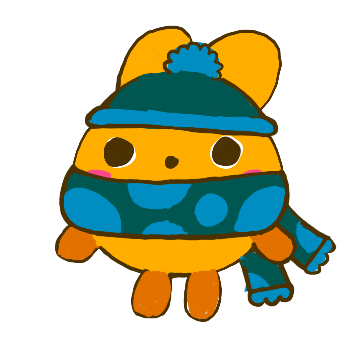
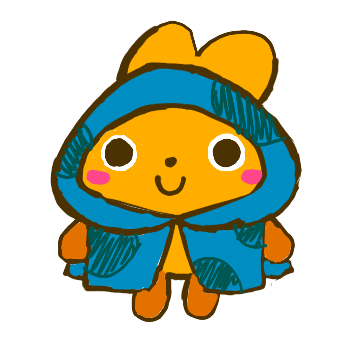
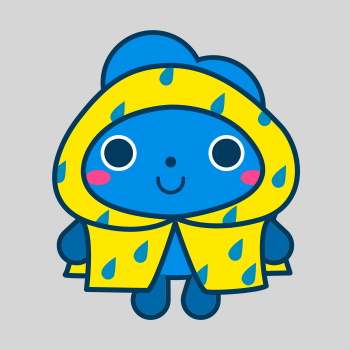
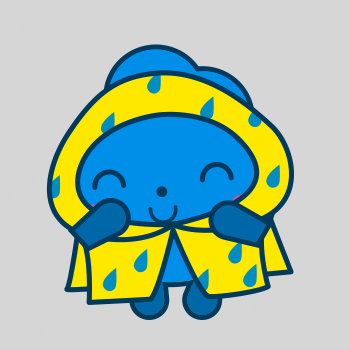
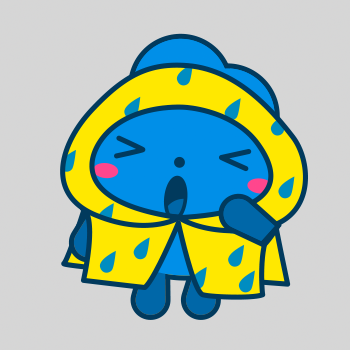
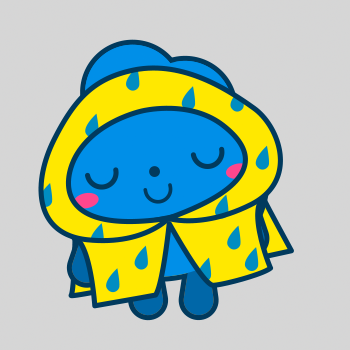
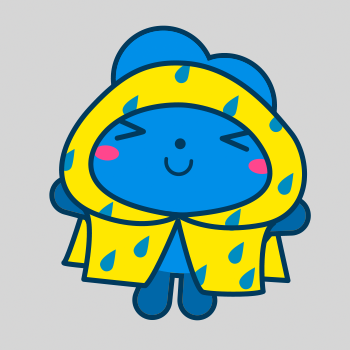
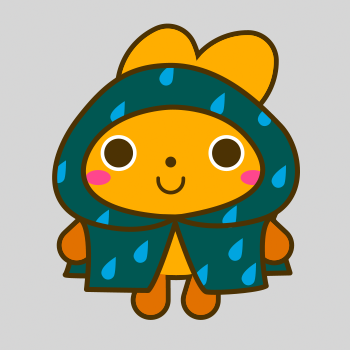
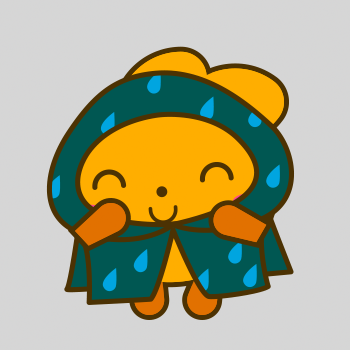
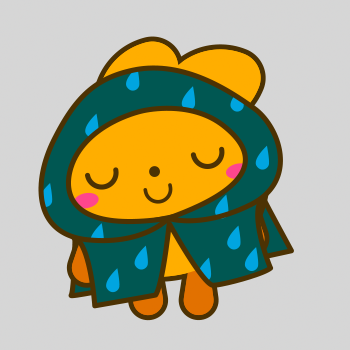
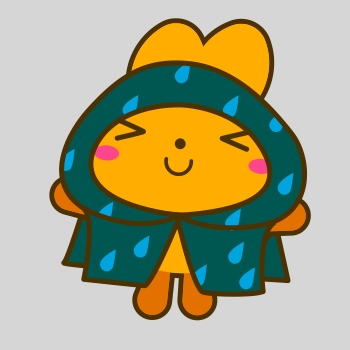
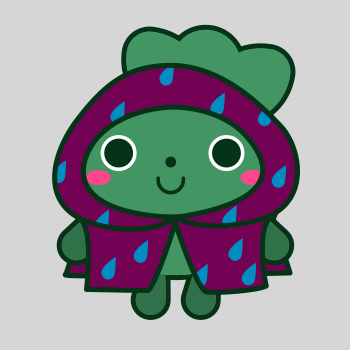
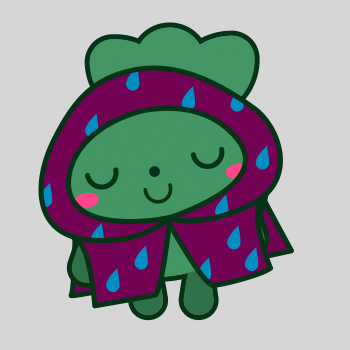
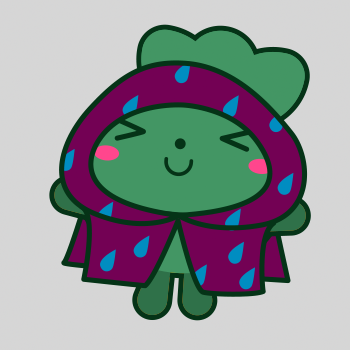
Aside from actions, I also explored the idea of MiniKin being able to change outfits depending on the weather. By reading off a weather API such as OpenWeather, MiniKin will inform the user of the weather simply through its outfits. This allows the user to dress accordingly without having to manually consult a weather app.
Shown in the sketches above, When the temperature is below freezing point, MiniKin would wear a scarf and beanie. When it is raining, MiniKin would wear a raincoat.
Finalized States
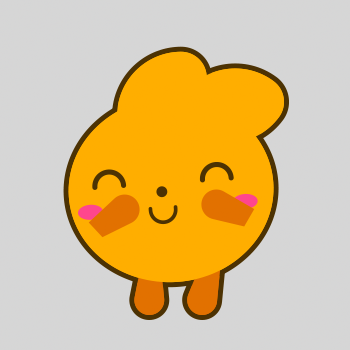
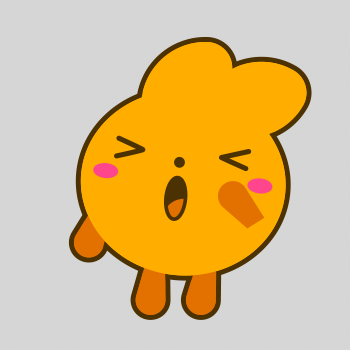
After sketching out the different states, I exported the 3 MiniKin designs from the Figma file as .svg files. After that, I used Adobe Illustrator to convert it to .ai files. Finally, I imported these .ai files into Adobe After Effects to rig the Minikin.
The explanation of the states are as follows:
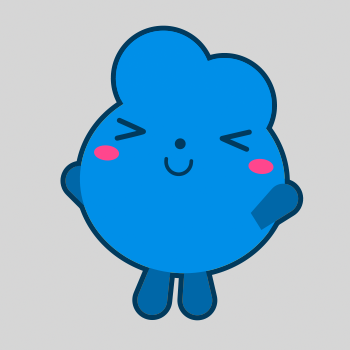
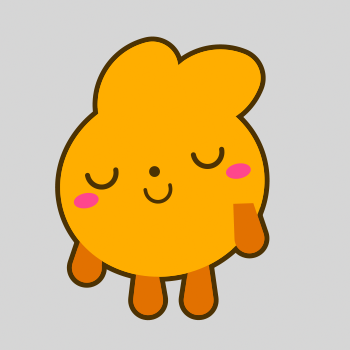
Idle: When not interacted with.
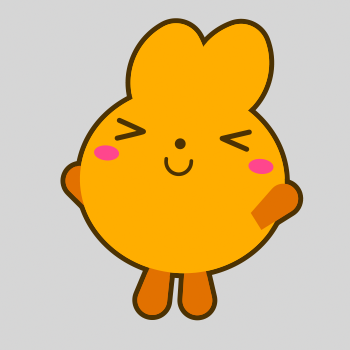
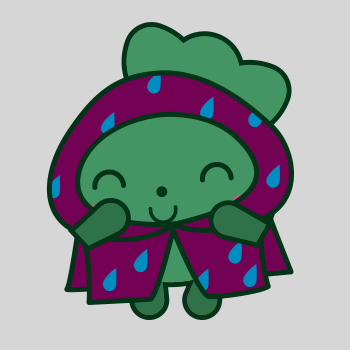
Patted: When patted by the user using right-click.
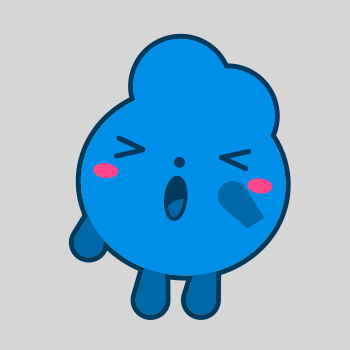
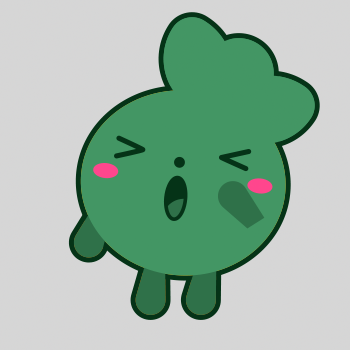
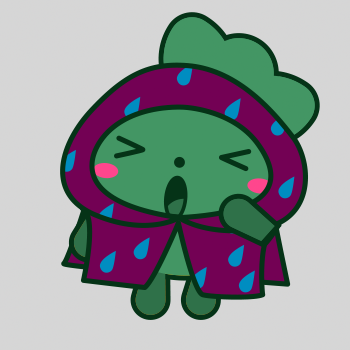
Yawning: When it is getting late at night.
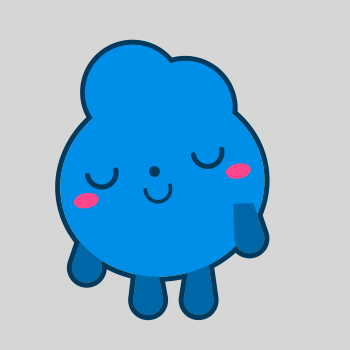
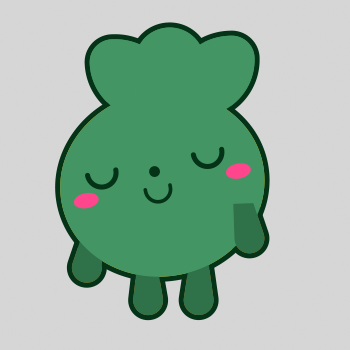
Sleeping: Transitioned from yawning. Stays in this state late at night until the user clicks on it, reverting to idle state.
Stretching: Timed wellness check - reminding the user to stretch every 30 minutes, based on this article.
Hydrating: Timed wellness check - reminding the user to drink some water every 15 minutes, based on this article.
Hopper



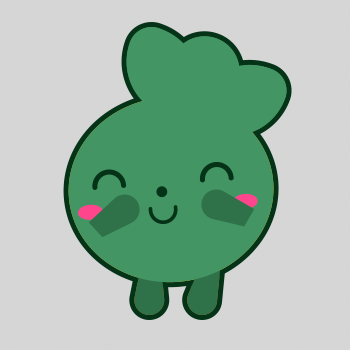
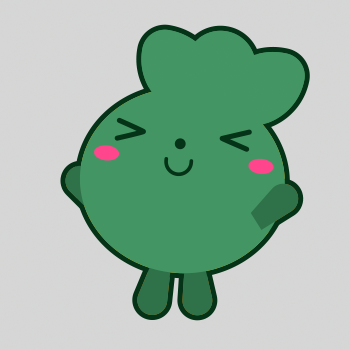
Turnip
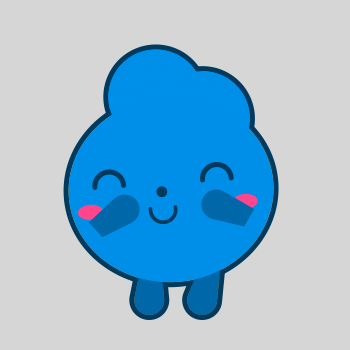
Groovy